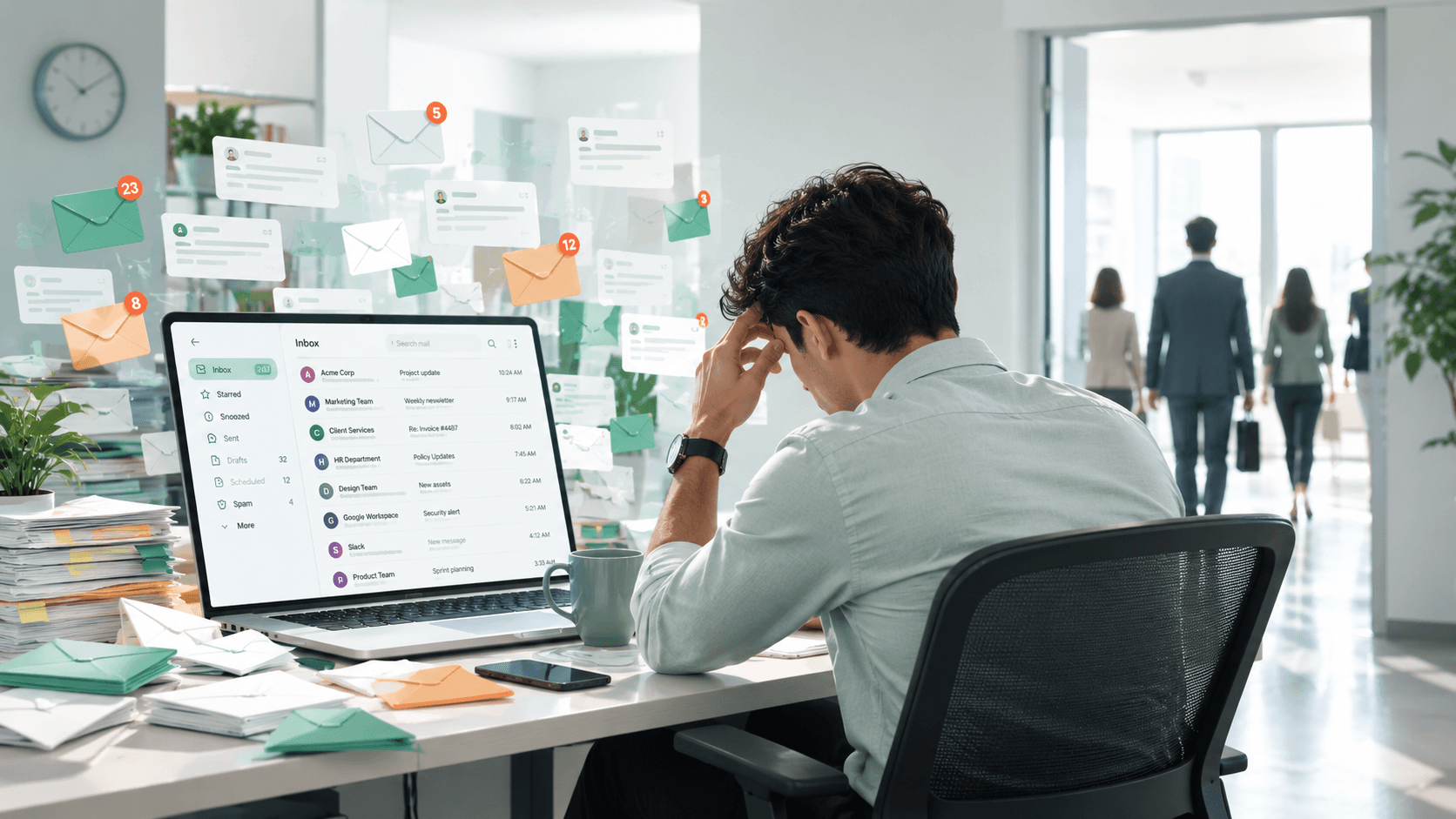
A repair request sat in a real estate agent's inbox for three days. Not because she ignored it. She had two email accounts and 40 new messages that morning. The buyer's agent had sent it to the wrong account. By the time she found it, the buyer was ready to cancel a $357,000 deal.
That story comes from Inman, and it's not rare. It happens in real estate, law, consulting, and every field where one missed email can cost you a client.
Most professionals don't have an email problem. They have a visibility problem. The important stuff gets buried, follow-ups slip, and by the time you catch it, someone else already got the business.
The 28% nobody accounts for
McKinsey Global Institute found that the average professional spends 28% of their work week on email. That's 2.6 hours a day just reading, writing, and responding. Harvard Business Review published the analysis, and the number hasn't improved since.
The Radicati Group, the research firm behind most email volume statistics globally, puts the daily count at 121 emails received and 40 sent per professional. And most professionals aren't managing that volume in one inbox. They're splitting it across two or more accounts, each with its own login, its own search, and its own contact list.
So the average professional is handling 121 incoming messages while switching between inboxes that have no awareness of each other.
But the 2.6 hours of direct email time isn't even the real cost.
What happens every time you check your inbox?
It takes 23 minutes and 15 seconds to return to full focus after checking email, according to Gloria Mark, a professor at UC Irvine who spent years shadowing knowledge workers and logging every task switch. Her finding was reported in the Gallup Management Journal and cited in her CHI 2008 study "The Cost of Interrupted Work", not a round number. Not an estimate. Measured.
The average professional checks email 15 times a day.
That's not 15 quick glances. Each one is a context switch. Each context switch costs 23 minutes of refocused effort. And people usually work on two other tasks before returning to the original one.
WaymakerOS research puts the total US economic cost of context switching at $450 billion annually. Email is the primary trigger, ahead of Slack, meetings, and phone calls.
None of this shows up in your calendar. Your day looks normal. You just never get to the deep work.
How much does a slow email response actually cost?
89% of clients expect a reply within one hour. That stat comes from customer experience surveys repeated across multiple years and industries.
The reality, measured by EmailAnalytics across 22 industries in Q2 2026, shows the average response time is 4 hours and 10 minutes. Real estate averages 3 hours 36 minutes. Security companies average 5 hours 31 minutes.
That gap has a price.
HousingWire reports that real estate agents lose roughly $16,000 per month when 10 leads go unanswered. At the median US home price, a single missed listing costs about $10,000 in lost commission. In luxury markets, considerably more.
For attorneys, the stakes are different but equally serious. The California Lawyers Association published an analysis examining whether a missed client email constitutes a breach of ethical duty under professional conduct rules. A lawyer handling a real estate closing who misses a deadline notification from opposing counsel doesn't just lose the deal. They face potential bar complaints. When a client sends a time-sensitive question and gets days of silence, the trust damage outlasts the specific case. The referral that lawyer would have received next month doesn't come. The one after that doesn't either.
Marketing agencies feel this pressure from multiple directions at once. An agency managing 15 client accounts has 15 inboxes where a slow response can mean a lost retainer. When a client emails about an urgent campaign change and the account manager doesn't see it for six hours because they were in another client's inbox, the agency looks disorganized. Two incidents like that and the client starts shopping for a new agency.
For healthcare administrators, slow email isn't just a service issue. Delayed responses to insurance authorizations, referral requests, or patient scheduling inquiries create cascading delays in care. And any email containing patient health information that gets mishandled puts the organization at risk of HIPAA enforcement.
52% of customers say they'll stop buying from a company after a slow response experience. Not the second slow experience. The first one.
70% stop after one email
Belkins' 2026 sales follow-up study found that 70% of professionals stop following up after sending one email. They send it. They don't hear back. They move on.
Here's why that's a mistake: 42% of all replies come from follow-up messages, not the first email. One additional follow-up increases response rates by 25%. A sequence of four to seven emails triples the rate compared to stopping at one.
Nobody skips follow-ups on purpose. When 121 emails arrive every day, you can't remember which threads went quiet, who owes you a reply, and what you sent last Tuesday that never got a response. The conversations that need follow-up look exactly like the ones that are done. There's nothing flagging them.
Think about how this plays out in practice. A consultant sends a proposal to a prospective client on Monday. By Wednesday, 363 new emails have arrived. The proposal thread is buried. The consultant doesn't forget the client exists, they just don't see the thread anymore. Two weeks later, they remember and follow up. The client has already signed with someone else.
A real estate agent sends a listing agreement to a seller. The seller has questions but gets distracted and doesn't reply that day. The agent, mid-closing on another deal, doesn't notice the silence. A week passes. The seller assumes the agent lost interest and calls a different firm.
These aren't worst-case scenarios. They're Tuesday. They happen in every profession where the inbox volume outpaces the ability to track open conversations manually.
The professionals who follow up consistently aren't more disciplined. They have systems that show them what's still waiting for a response. The ones who don't have that visibility rely on memory, and memory fails quietly. You don't know you forgot to follow up. You find out when the opportunity is already gone.
You can't follow up on what you can't see.
The multi-account problem
Every additional email account multiplies the issue.
A founder running a company inbox, a personal Gmail, and a support address has client context spread across three places that don't share information. The contract negotiation is in one account. The meeting notes are in another. The follow-up thread is in the third.
Real estate agents see this daily. Transaction emails in one account, marketing leads in another. A buyer reaches out through the marketing inbox, the agent replies from the transaction account, and the thread splits. Both accounts have pieces of the conversation. Neither has the full picture.
Marketing agencies deal with a more extreme version. A mid-sized agency managing 10 to 20 clients has a separate inbox for each one. Different sending domains, different brand voices, constant persona switching. One agency owner described the mental switching cost as "staggering" and said opportunities slip through the cracks daily. Multiple reports put the overhead at 10 or more hours per client per quarter just on manual coordination and reporting.
Content creators run into the same thing from a different angle. A creator with a brand inbox, a sponsorship email, and a personal account spends an average of 8 hours per week on administrative work that doesn't produce content, about 21% of their working time. A brand deal email sitting in the wrong inbox for 48 hours can mean a lost partnership.
CPAs and accountants face the worst of it during tax season. Client documents, financial statements, and tax IDs flow through email constantly. During peak filing months, inbound client emails spike to the point where firms are increasingly moving to dedicated portals because the inbox can't keep up. The ones still relying on email for document exchange are drowning in an undifferentiated inbox where a client's W-2 sits next to a newsletter.
In healthcare, the stakes go beyond lost revenue. The HIPAA Journal reported 170 email-related HIPAA breaches in 2025 alone, impacting over 2.5 million people. Stolen login credentials led to the most damaging incidents, exposing more than 630,000 patient records. The average cost of an email-related healthcare breach hit $7.5 million in penalties and settlements. A clinic coordinator managing appointment confirmations, insurance communications, and patient follow-ups across separate inboxes isn't just inefficient. One misrouted email with patient information is a federal violation.
Most professionals maintain at least two accounts. For those running businesses, managing client relationships, or handling multiple roles, three or four is common.
Research on workplace productivity consistently shows that managing multiple systems eats up to 40% of productive time through switching alone. Not doing the work. Just moving between the places where the work lives.
Why don't filters and priority inbox solve this?
They sort by rules and patterns, not by what each email actually needs from you. A filter moves newsletters to a folder and stars emails from specific senders. That covers the predictable stuff. But the email that needs your attention right now, a new lead asking about pricing or a client escalating an urgent issue, looks like any other message until a human reads it. No rule you set in advance catches that.
Priority inbox guesses what matters based on patterns. It gets it right sometimes. The moment it buries one important client email in the wrong tab, you lose trust in it. So you check everything manually again, which is the exact behavior it was supposed to prevent.
Snooze defers. Labels organize. Neither tells you what an email actually needs from you. That requires understanding content and context together, not just sender names and subject lines.
Three questions that change everything
Professionals who handle email well aren't using a secret system. They just know the answers to three things at any point in their day:
What needs a reply right now?
The buyer waiting on your inspection response. The client who sent an approval request with a deadline. The investor who followed up on your pitch yesterday. These can't sit until you clear the pile. The problem is, they look the same as everything else in your inbox. There's no red flag on the email that says "this person will leave if you don't reply today." You only know it's urgent if you read it, understand the context, and remember the relationship.
What's waiting on follow-up?
The proposal from last week that got no response. The intro someone said they'd make. The prospect who went quiet after your demo. This is where revenue hides, in threads that look inactive but aren't done. Most professionals have five to ten of these sitting in their inbox at any time. They know they exist somewhere. They just can't find them without scrolling through hundreds of other messages. And the longer a follow-up waits, the less likely it is to happen at all.
What can you skip?
Newsletters, auto-notifications, CC threads where nobody needs you. Multiple productivity studies put this at 88% of incoming email. That's 106 out of 121 daily messages that need nothing from you. But you still have to look at each one long enough to decide that. Identifying that 88% fast is how you protect the time for the 12% that matters. The professionals who get this right spend less time in their inbox, not more. They're not reading faster. They're reading less, because they already know what deserves attention.
Most professionals try to answer these three questions by scanning their entire inbox. Multiple times a day. It works when you're getting 30 emails. It breaks at 80. It completely fails at 121. And that breaking point usually hits right when your business starts growing, which is exactly when you can least afford to miss things.
The front door of your business is broken
Email is still where professional relationships live. Not Slack, not LinkedIn DMs, not project management tools. When a client needs to send you a contract, they email it. When an investor wants to follow up after a meeting, they email. When a patient needs to confirm an appointment or a buyer needs to ask about a property, they send an email and expect a response.
That makes your inbox the front door of your business. And right now, for most professionals, that front door has no one watching it.
For a real estate agent, a missed email is $10,000 in commission. For a lawyer, it's a client relationship that took years to build and one week of silence to damage. For a healthcare provider, it's a potential HIPAA violation with a $7.5 million average penalty. For a founder, it's the investor follow-up that would have become a check, the partnership that went cold, or the customer who churned because nobody replied to their support question.
The math is simple but uncomfortable.
2.6 hours a day spent in the inbox. 23 minutes lost every time you check it. 15 context switches a day. 70% of professionals never sending a follow-up. 52% of clients leaving after one slow response. 35% of business emails never getting a reply at all.
Every one of those numbers represents a real person on the other end of the email deciding whether you're reliable, whether you care, and whether they should keep working with you. They don't know you were busy. They don't know you have three email accounts. They don't know the email went to the wrong inbox. All they know is they didn't hear back.
And they won't wait around to find out why. They'll find someone who replies faster.
The professionals who figure out how to see what matters in their inbox, respond to the right things fast, and never drop a follow-up are the ones who keep clients. The ones who don't, keep wondering where the clients went.
The answer is usually sitting in their inbox. Unread.This is the problem SmartMail was built to solve. It connects your Gmail and Outlook accounts into one place so the context doesn't fragment across inboxes. Every email gets automatically categorized into what actually needs your attention: action required, awaiting reply, meetings, FYI, newsletters, and notifications. You see what matters first without scanning everything manually.
The dashboard gives you AI insights across all your accounts with recent activity in one view, so you know the state of your communication without opening each inbox separately. Follow-ups that went quiet surface on their own instead of disappearing under new messages. Calendar integration keeps meetings and deadlines connected to the email threads they came from. And when AI drafts a reply, it learns your writing style so the output actually sounds like you, not like a template.
Your sensitive data gets multilayered protection before AI ever processes it. That's not an add-on. It's built into every interaction from the start.
Related Posts