Nobody planned to spend this much on email.
It started with a $20 AI subscription to help draft replies and summarize long threads. Then came the realization that chat-based AI can not actually do anything with your email. It just talks about it. So you started paying for tool execution. Then you needed your email connected to Slack and your other tools, so you added an automation platform. And somewhere along the way, the security question got louder: what happens to all the sensitive data in your inbox when AI processes it?
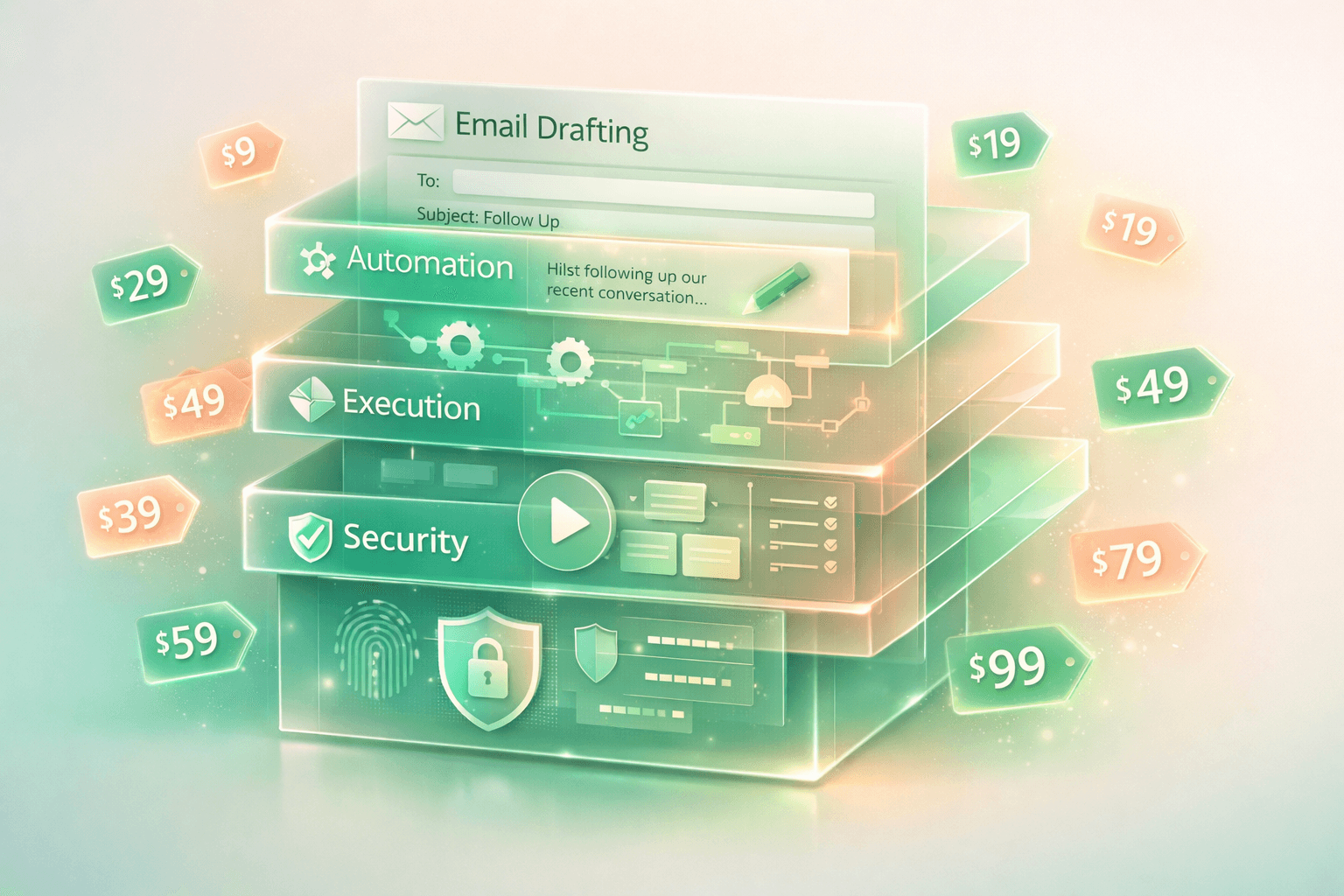
Four separate costs. Four separate tools. One email workflow that should have been one thing from the start.
Cost 1: The AI Subscription - Drafting and Summaries
Around $20 a month. Everyone starts here. You paste an email thread into the AI, ask for a summary, get a draft reply, copy it back into your inbox. It works.
But it is a manual loop. Copy. Switch. Paste. Ask. Wait. Copy. Switch. Paste. Send. For every single email that needs AI help.
The model has no idea who you are writing to. It does not know your relationship with this person, your last conversation, or how you normally write to them. You either spend time explaining the context every time, or you get a response that sounds generic and robotic.
And every time you paste a thread, you are sending the full contents. Client names, contract terms, account numbers, credentials, personal details. All of it goes directly into the model. No scanning. No filtering. You are the pipeline, and everything goes through.
$20 a month for a smart text box that knows nothing about your email and protects nothing in it.
Cost 2: Tool Execution - When AI Actually Needs to Do Something
Here is the cost most people do not see coming.
The $20 subscription covers conversation. You type, the AI responds. But the moment you need the AI to actually do something, like search the web, analyze a document, read a file, execute code, or use a plugin, that is tool execution. And tool execution costs more.
On consumer plans, using tools eats through your usage limits significantly faster than regular chat. The same subscription that gives you hundreds of messages per day in conversation mode might give you a fraction of that when tools are involved. Power users who rely on these capabilities regularly hit walls and upgrade to premium tiers at $100-200 per month.
On the API side, where developers and businesses build AI workflows, tool execution means more tokens. Every function call, every tool description, every response that involves structured actions adds to the token count. A single tool call can consume 3-5x the tokens of a regular chat message. Multiple tool calls in one interaction can consume 10x or more. The bill grows not just with how much you use the AI, but with how much the AI does.
This is also why dedicated AI email tools cost $18-50 per month. They are running tool-heavy AI workflows on every email you receive, and the inference cost per email is not trivial. You are paying for tool execution either way. Directly through your own AI subscription limits, or indirectly through the price of your email tool.
And this is just for general-purpose AI. None of this is connected to your email. You are paying extra for the AI to take actions, but those actions still happen in a separate window from your inbox. The gap between "AI that talks about your email" and "AI that works inside your email" costs real money and most people fill it by adding more tools.
Cost 3: The Automation Platform - Connecting Email to Everything Else
$20-30 a month. Sometimes more.
Your email does not exist alone. When a client replies, your team needs to know in Slack. When a deal email arrives, someone needs to update the project. When an important thread moves forward, the context needs to follow it across tools.
So you add an automation platform. You build workflows. "When I receive an email from this person, post to this Slack channel." "When this label gets applied, create a task." Free tiers run out fast. 100 tasks a month means a few days of real use. Paid tiers start at $20-30 and scale up with every workflow you add.
But here is the real problem with these automations: they are dumb pipes.
They move data from point A to point B with zero understanding of what that data contains. A client email containing a contract with sensitive financial terms gets forwarded to a Slack channel the same way a lunch invitation does. An email with someone's password gets logged to your project tool fully visible. The automation does not know what is sensitive and what is not. It does not care. It just moves bytes.
And the context dies at each step. The automation forwards the email, but the Slack channel does not know the full conversation history. You reply to the Slack thread, but your email draft does not know what was discussed in Slack. The tools are connected by pipes, but the context stays fragmented.
$20-30 a month for plumbing that moves your data blindly and loses your context at every junction.
Cost 4: Security - The One Most People Skip
This is the expensive one. And the one almost nobody pays for.
If you work at an enterprise, your company might be spending real money on AI guardrails. Platforms that scan sensitive content before AI processes it, detect prompt injection attacks, protect credentials, and enforce data handling policies. The AI safety market is over a billion dollars. Some enterprise security platforms charge up to $99 per user per month.
These tools exist because the problem is proven and documented:
- Prompt injection attacks, where malicious instructions are hidden inside normal-looking emails to manipulate AI behavior, increased 340% in 2026
- Over half of production AI systems show successful prompt injection vulnerability in testing
- 80% of these attacks come through indirect injection: instructions disguised as regular content in emails, documents, and messages
When an AI email tool reads your inbox, every email is a surface for attack. A message that looks normal to you can contain instructions that tell the AI to leak data, ignore safety rules, or take actions you never authorized.
And beyond attacks, there is the basic question: what sensitive data is in your inbox right now?
Every AI email tool processes all of this through language models. The AI reads your passwords with the same attention it gives a newsletter. No scanning. No detection. No protection. No separation between what is sensitive and what is not.
Enterprises pay thousands per year for guardrails platforms that handle this. Individual professionals and small businesses pay nothing because no email tool in their price range includes it.
$0 a month. Not by choice, but by absence.
The Total
Cost | What It Does | Monthly |
|---|---|---|
AI subscription | Draft and summarize via copy-paste | ~$20 |
Tool execution | AI that actually does things | $0-180 extra |
Automation platform | Connect email to Slack, tools | $20-30 |
AI security / guardrails | Protect data from AI processing | $0 (skipped) |
Total | $40-230/month |
The wide range is the point. Some people spend $40 on the basics and live with the gaps. Power users and teams can easily hit $150+ monthly. And at every price point, the security layer, the one enterprises consider essential, is missing.
Four separate bills. Four tools that do not share context. And the most important capability, making sure the AI never processes your sensitive data unprotected, is not included at any tier.
What If It Was One Thing
SmartMail is one AI email agent that includes all four.
Drafting and summaries happen inside your inbox. The agent sees your full conversation history, knows who you are writing to, learns how you write to each person specifically, and drafts with real context. No copy-pasting between windows.
The agent acts on your email directly. It categorizes your inbox into seven actionable groups before you open it. It identifies which threads need attention. It drafts replies with context from the full conversation, not just the last message but the full thread and related discussions. The AI does not just talk about your email. It works inside it.
Your tools are connected natively. Slack conversations carry context into email replies. Email threads carry context into Slack. When you reply to someone who messaged you in Slack yesterday, the agent already knows that conversation happened. No automation platform. No dumb pipes. No lost context.
And before any of this happens, your data is protected. Every email goes through multi-layer detection before the AI processes it. Credentials, financial data, personal details, all are detected and protected before the model sees a single word. Prompt injection attempts are detected and neutralized before processing. Not as an add-on. Not as an enterprise tier. As part of how the agent works, every email, every time.
The protection that enterprises pay thousands for through separate guardrails platforms is built into the email agent itself.
One tool. One subscription. Drafting, execution, connections, and protection. No four-tool stack. No blind pipes. No security gap.
If you are spending $60-100 a month across separate tools for AI email and still have no protection for the sensitive data in your inbox, the math does not add up. That money could go toward one agent that does everything those tools do and includes the one thing none of them offer.
SmartMail is live at SmartMailAgent.COM 👈🏻